Introduction
This project uses (red, green, and blue) color filters to reconstruct a color image from the Prokudin-Gorskii collection.
Approach
To carry out my implementation, I first ran the given skeleton code for image splitting. Then, I used a naive search method where I exhaustively scanned smaller (single-scale alignment) images and tested the channel offsets using both Normalized Cross-Correlation (NCC) and Euclidean Distance metrics. For larger TIF images, I built image pyramids by blurring and downsampling the images.
The biggest challenge I encountered when working on this project is getting the channels to line up nicely, especially the emir.tif image. In an attempt to acheive better alignment, I implemented a cropping function and tried using different base channels.
Results (on the provided images)
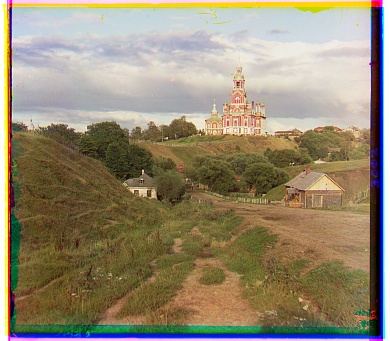
Blue shift: (-2, -5)
Red shift: (1, 7)
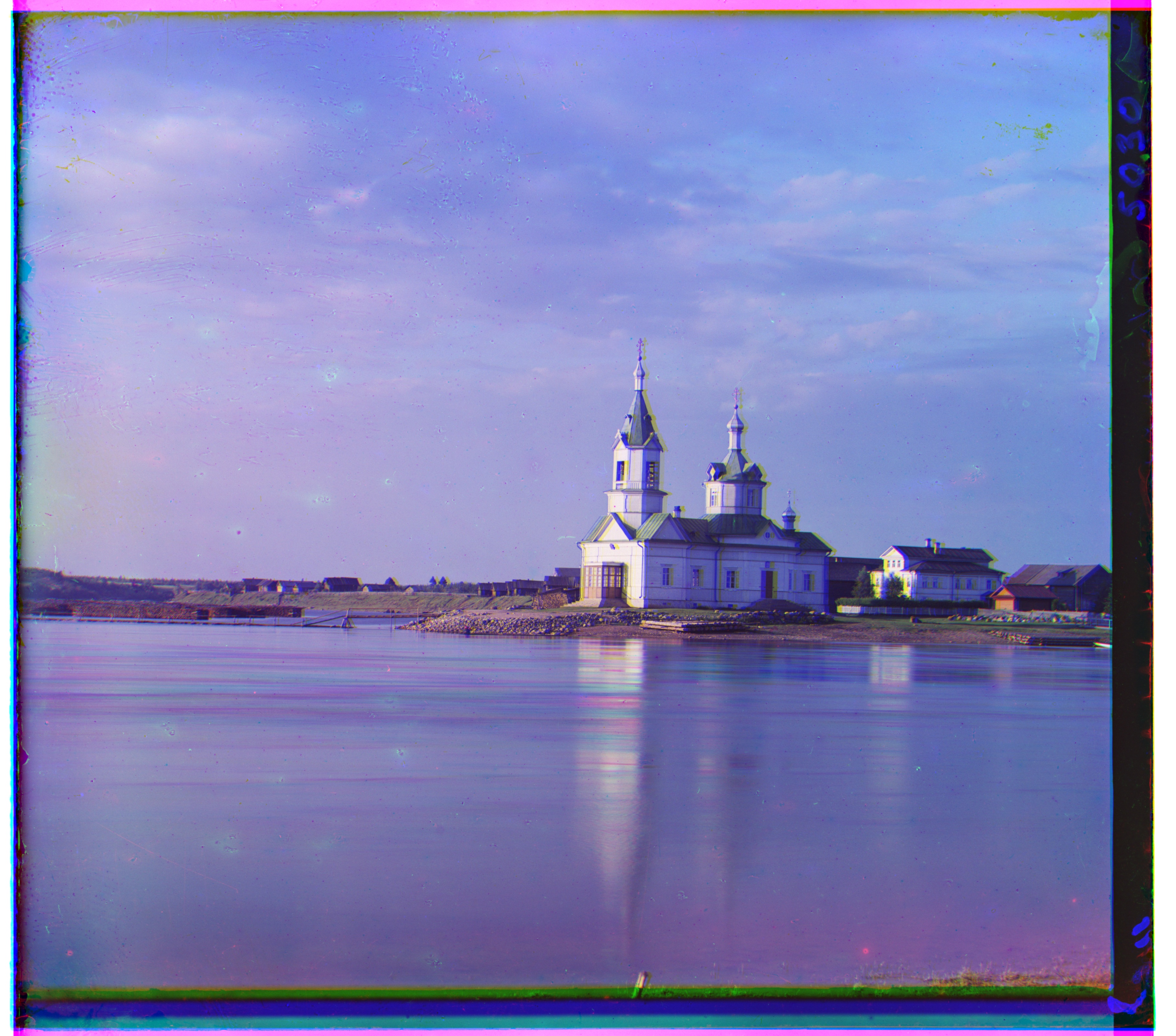
Blue shift: (10, -25)
Red shift: (-8, 33)
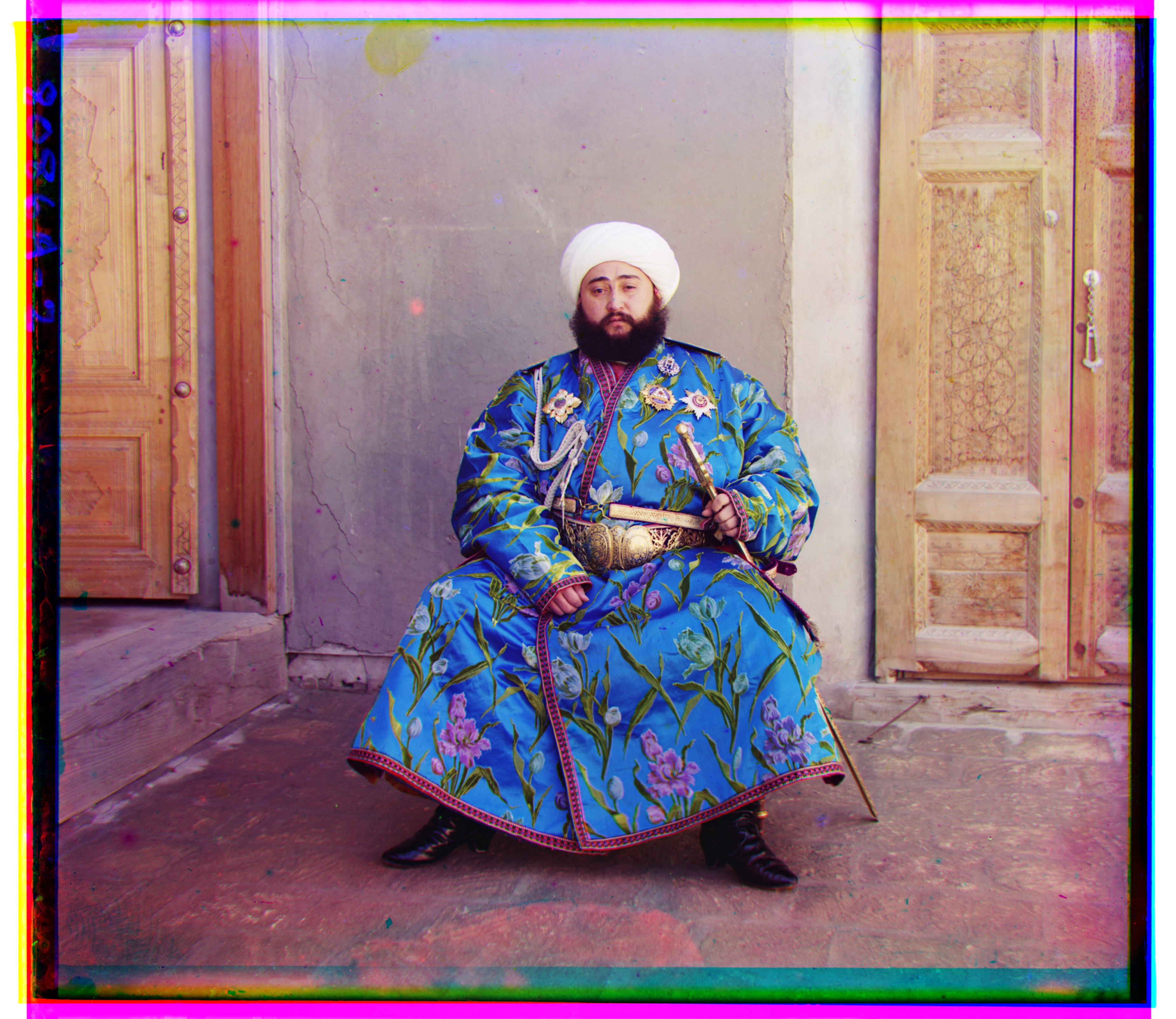
Blue shift: (-24, -49)
Red shift: (17, 57)
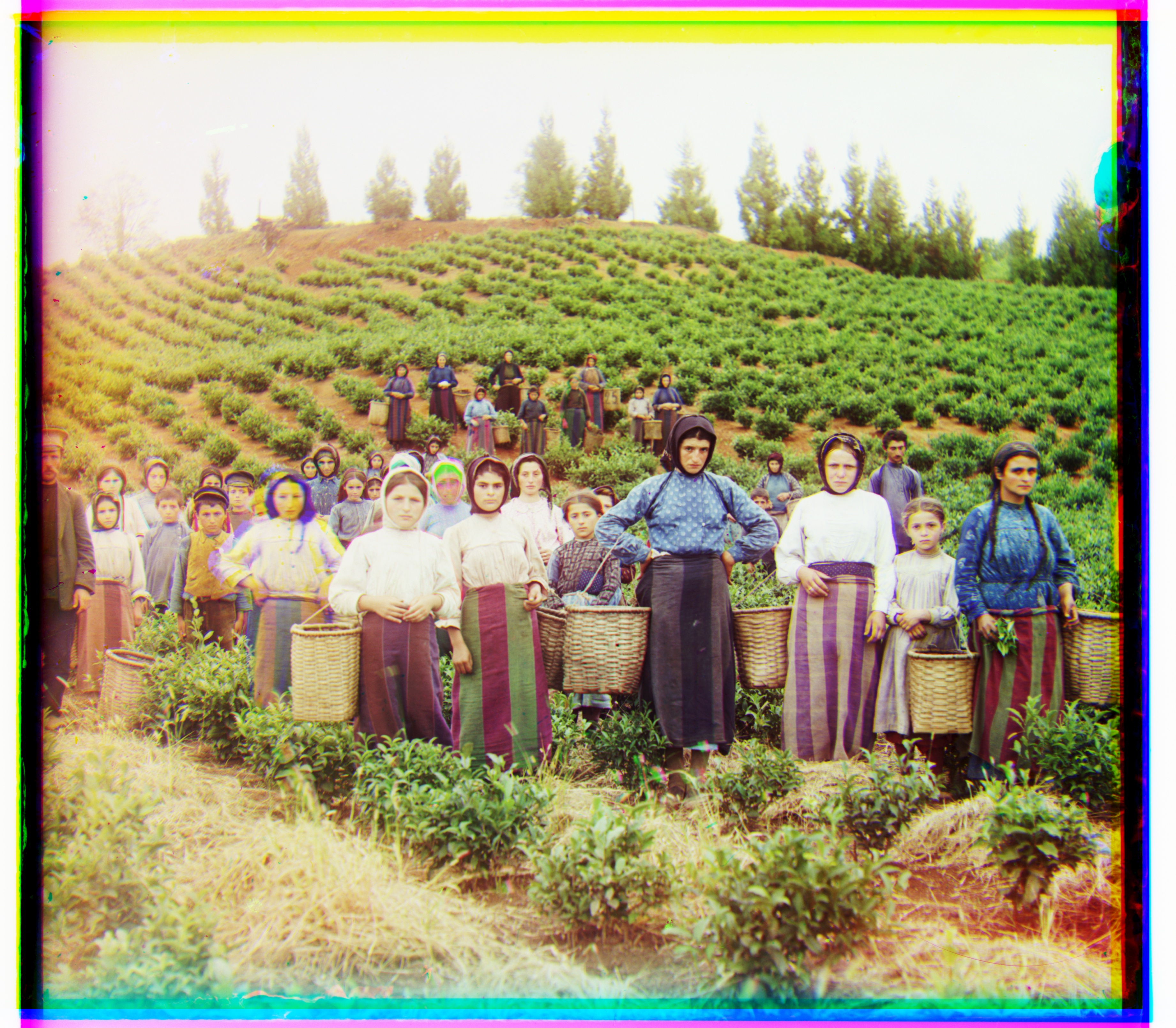
Blue shift: (-16, -60)
Red shift: (-3, 65)
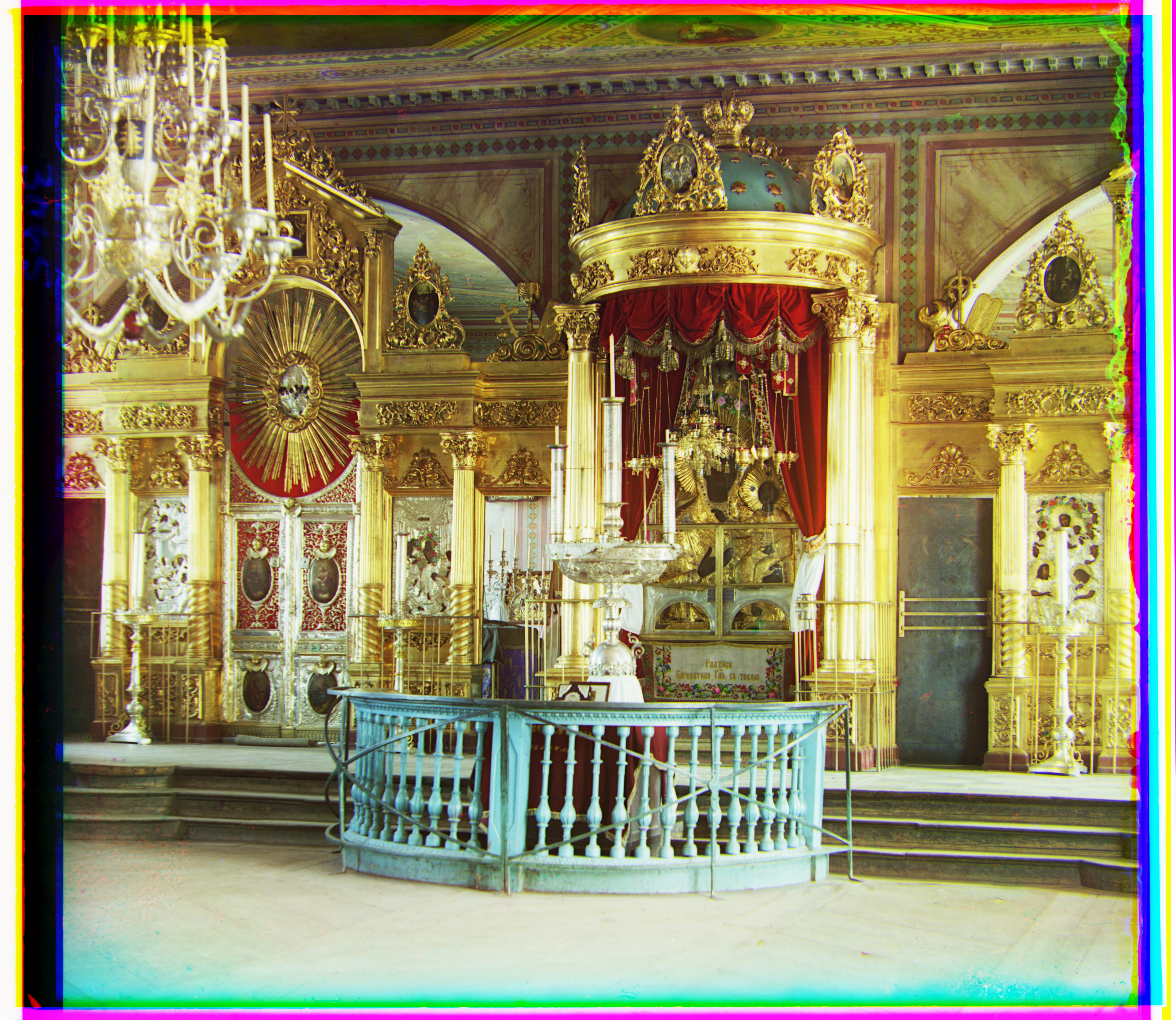
Blue shift: (-17, -41)
Red shift: (5, 48)
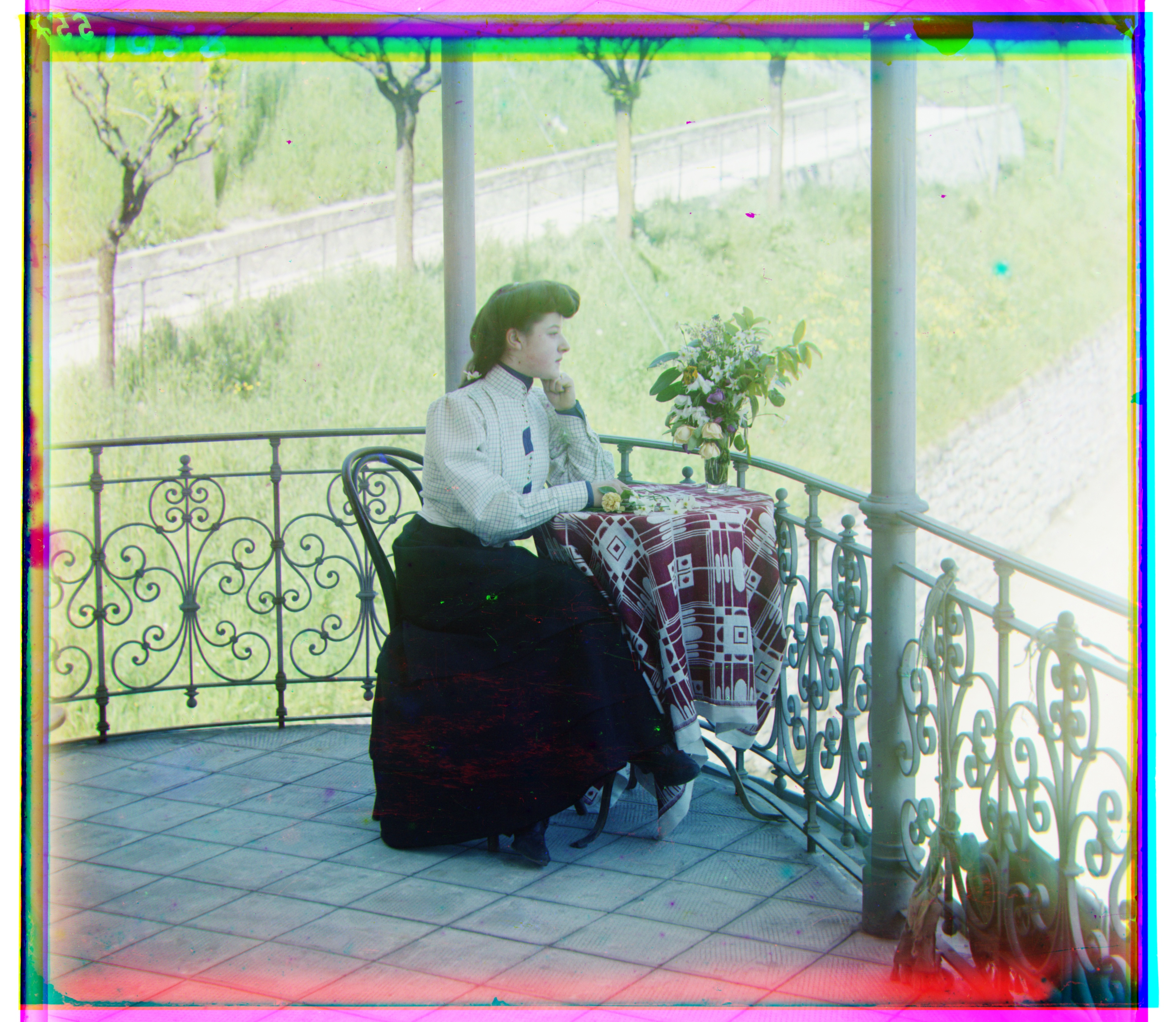
Blue shift: (-21, -38)
Red shift: (15, 38)
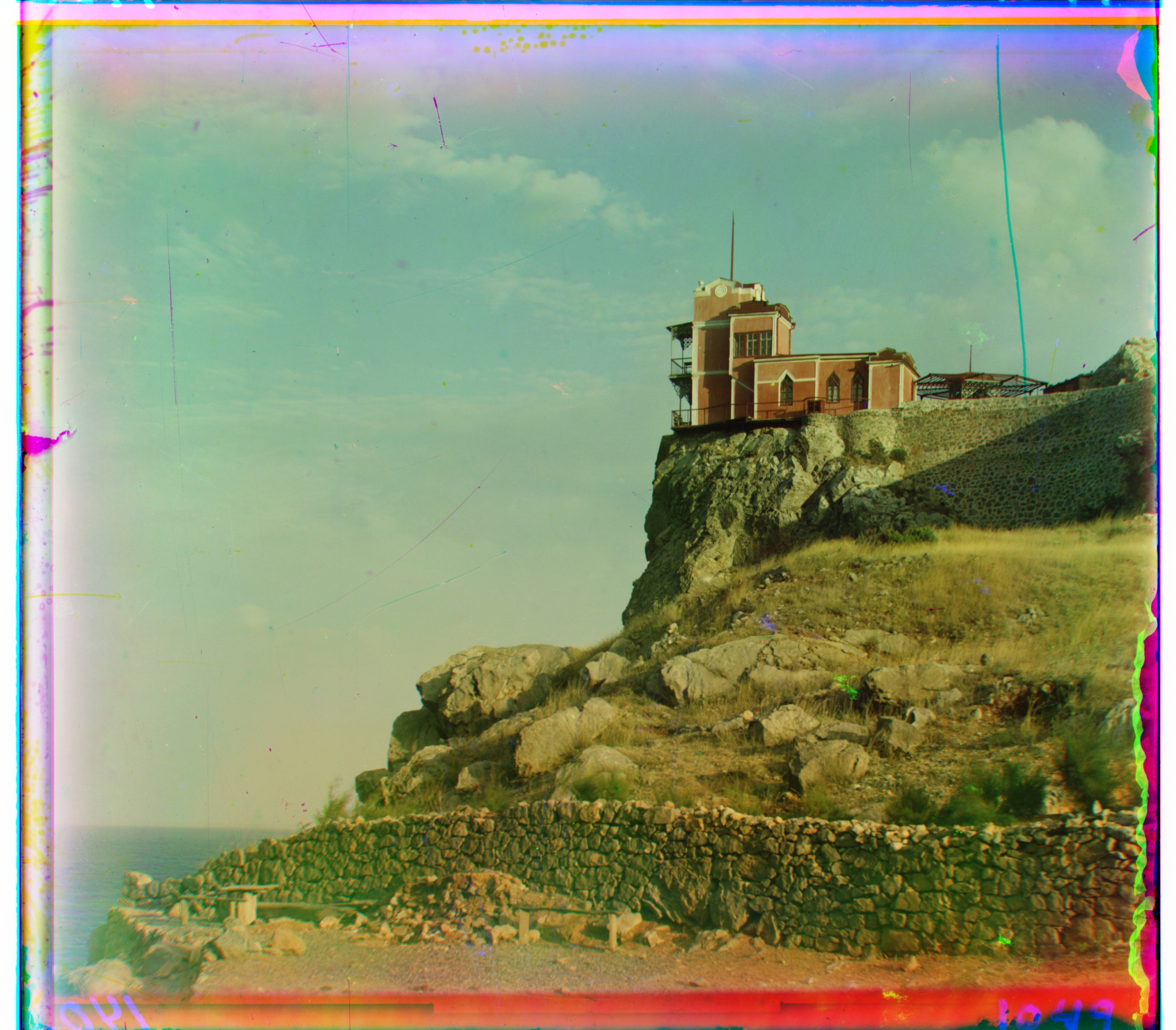
Blue shift: (2, 2)
Red shift: (-7, 78)
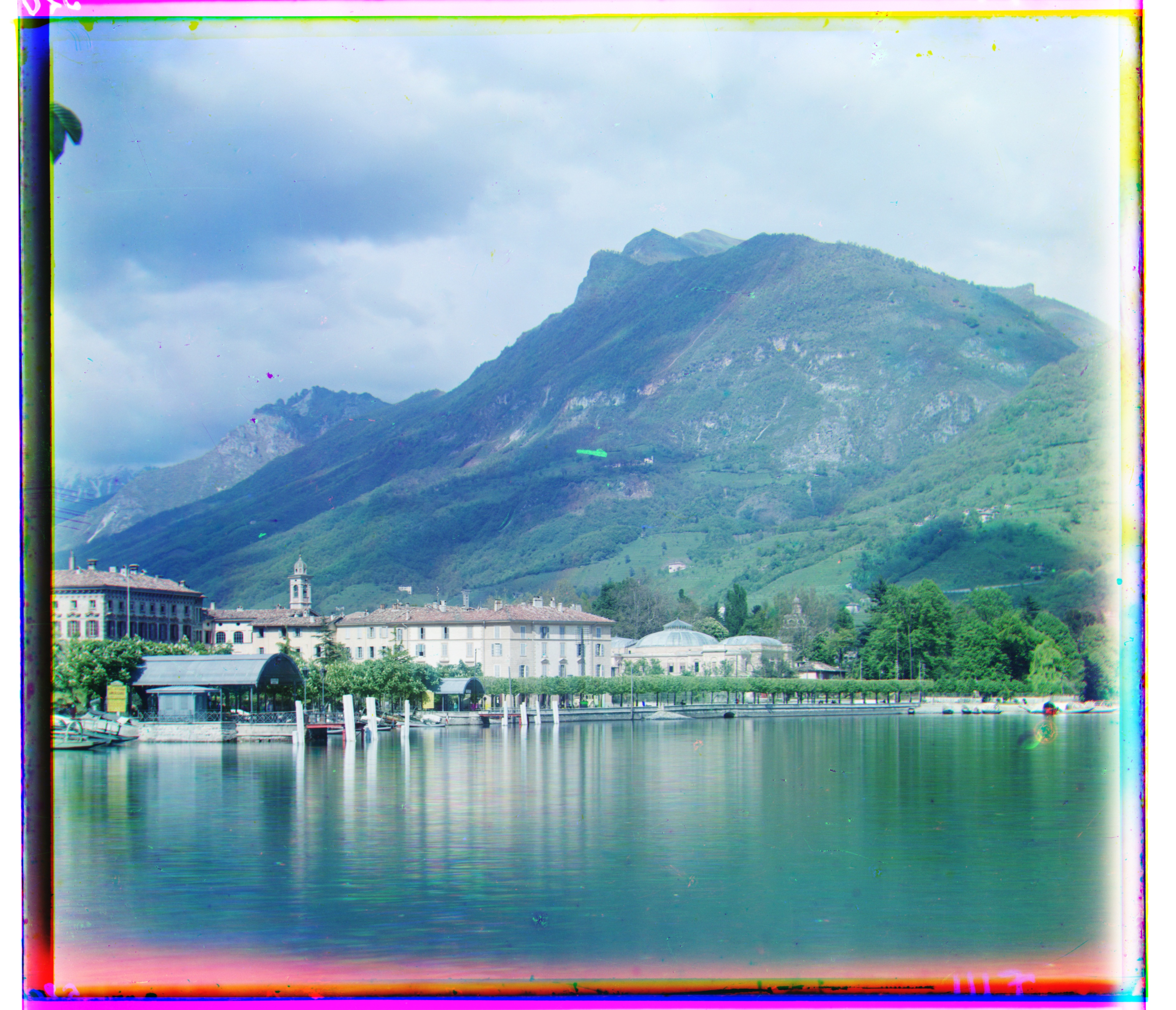
Blue shift: (17, -41)
Red shift: (-13, 52)
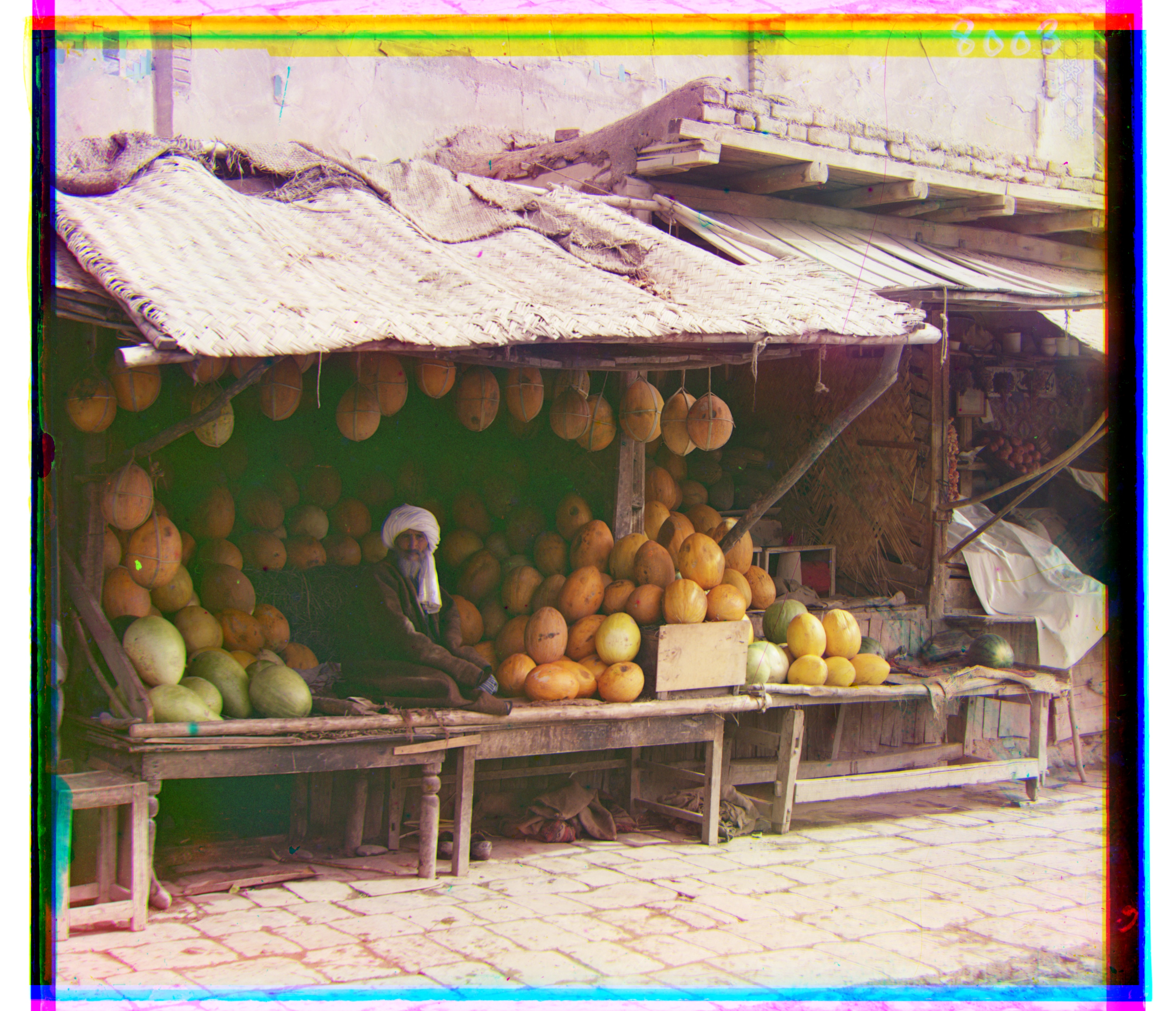
Blue shift: (-10, -83)
Red shift: (3, 96)
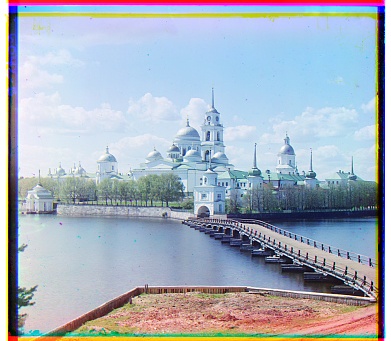
Blue shift: (-2, 3)
Red shift: (1, 6)
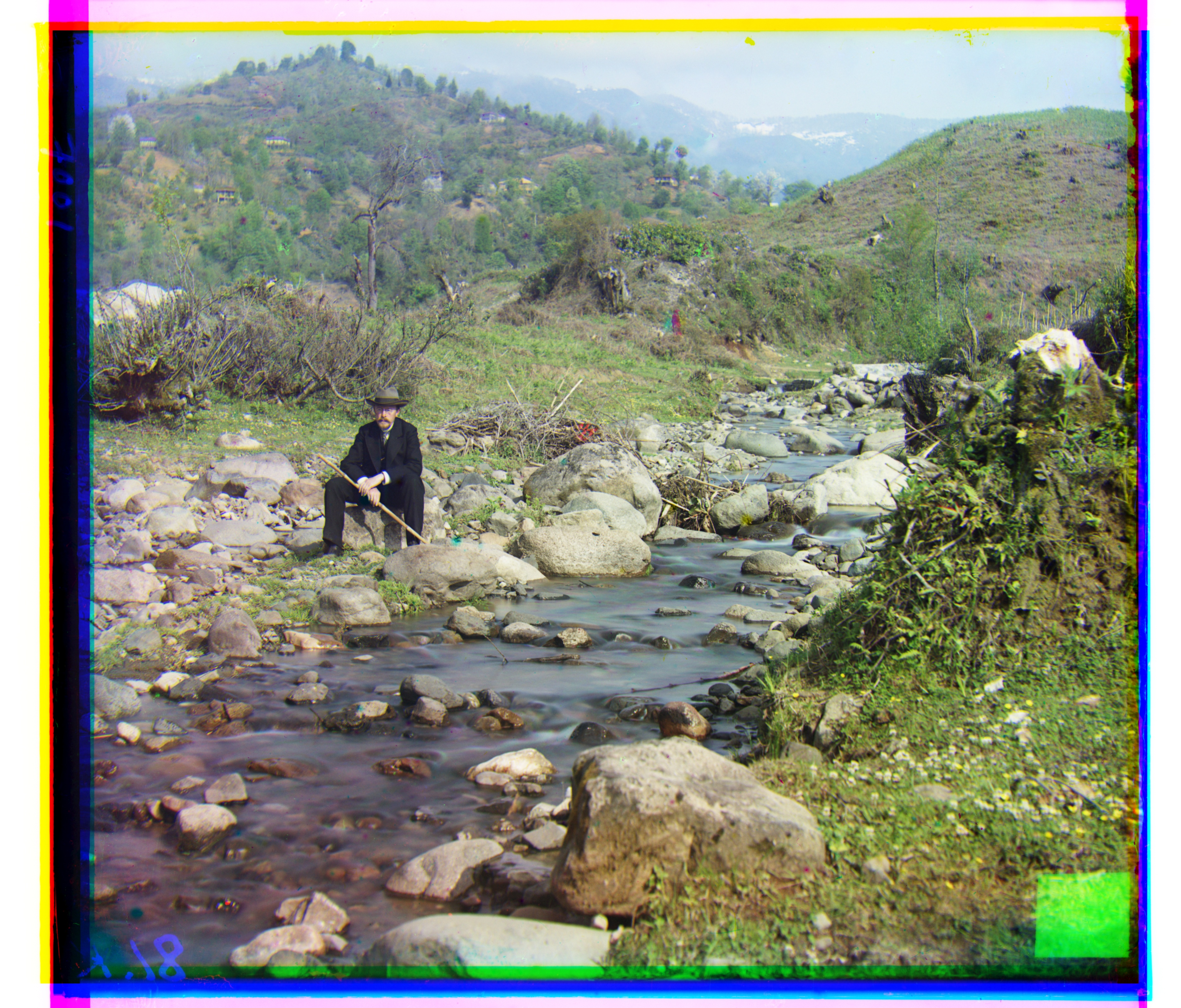
Blue shift: (-28, -79)
Red shift: (8, 98)
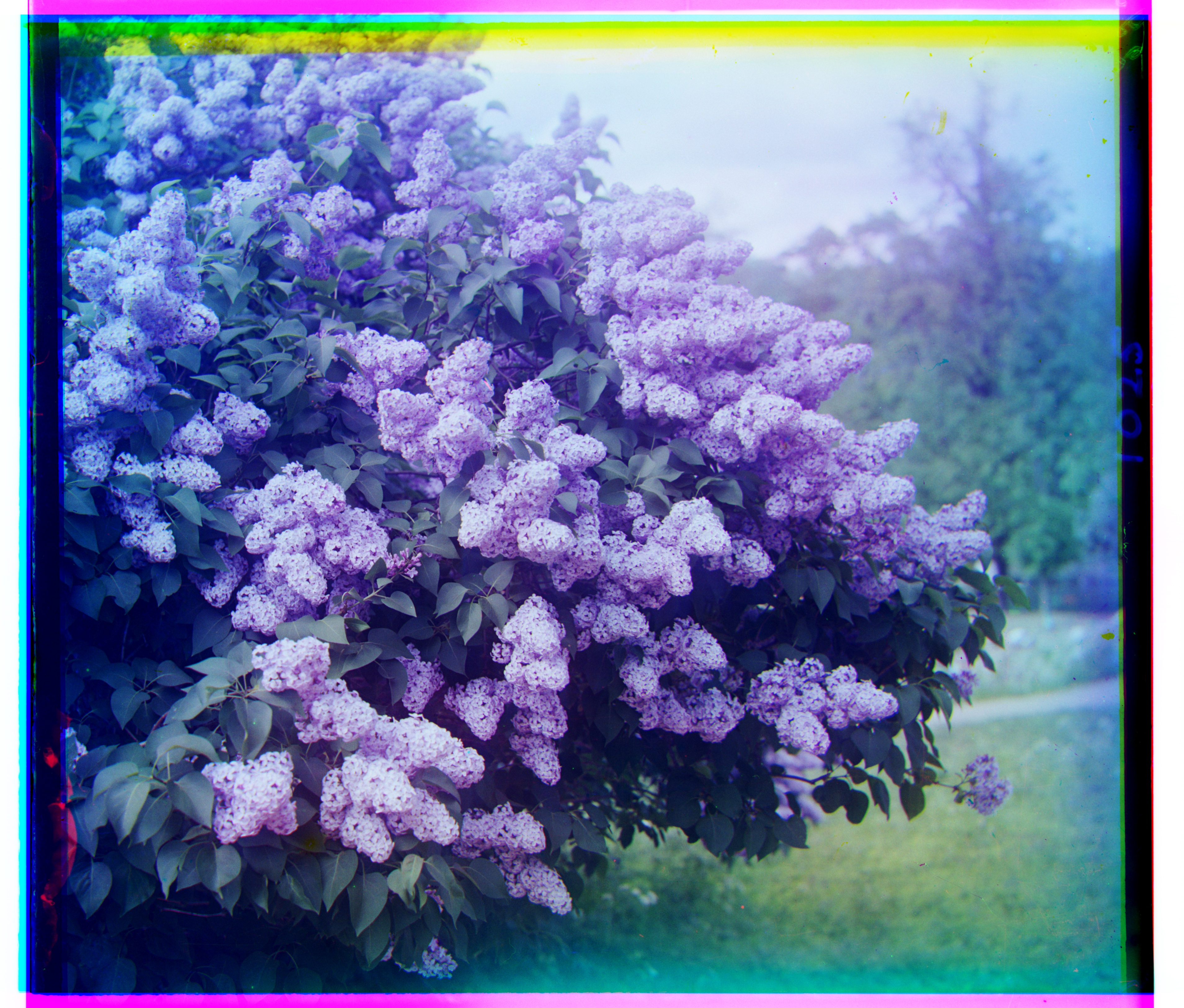
Blue shift: (7, -49)
Red shift: (-18, 47)
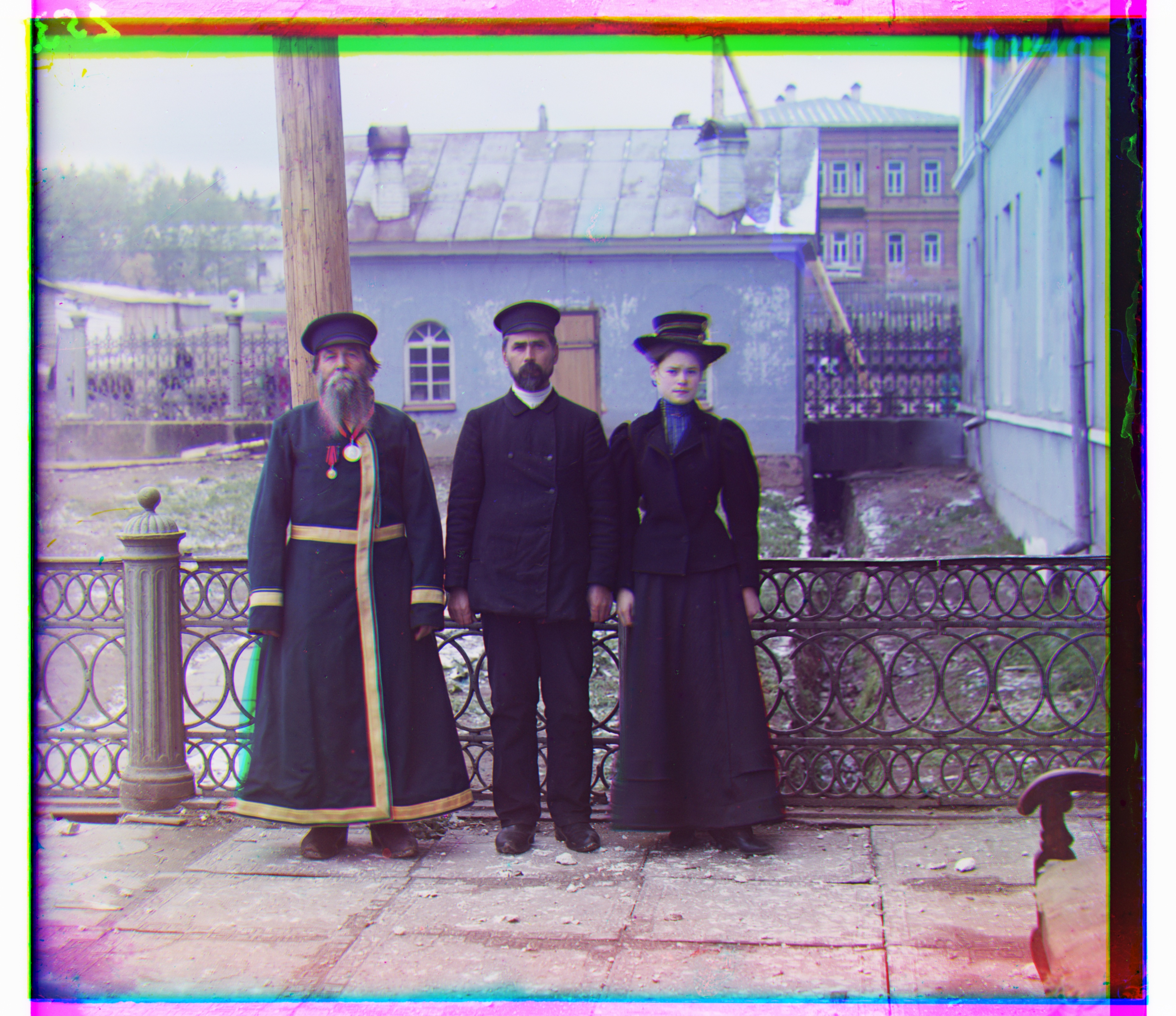
Blue shift: (-13, -55)
Red shift: (-2, 58)
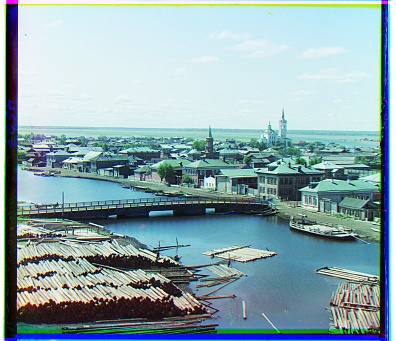
Blue shift: (-3, -3)
Red shift: (1, 4)
Results (on images of my choosing)
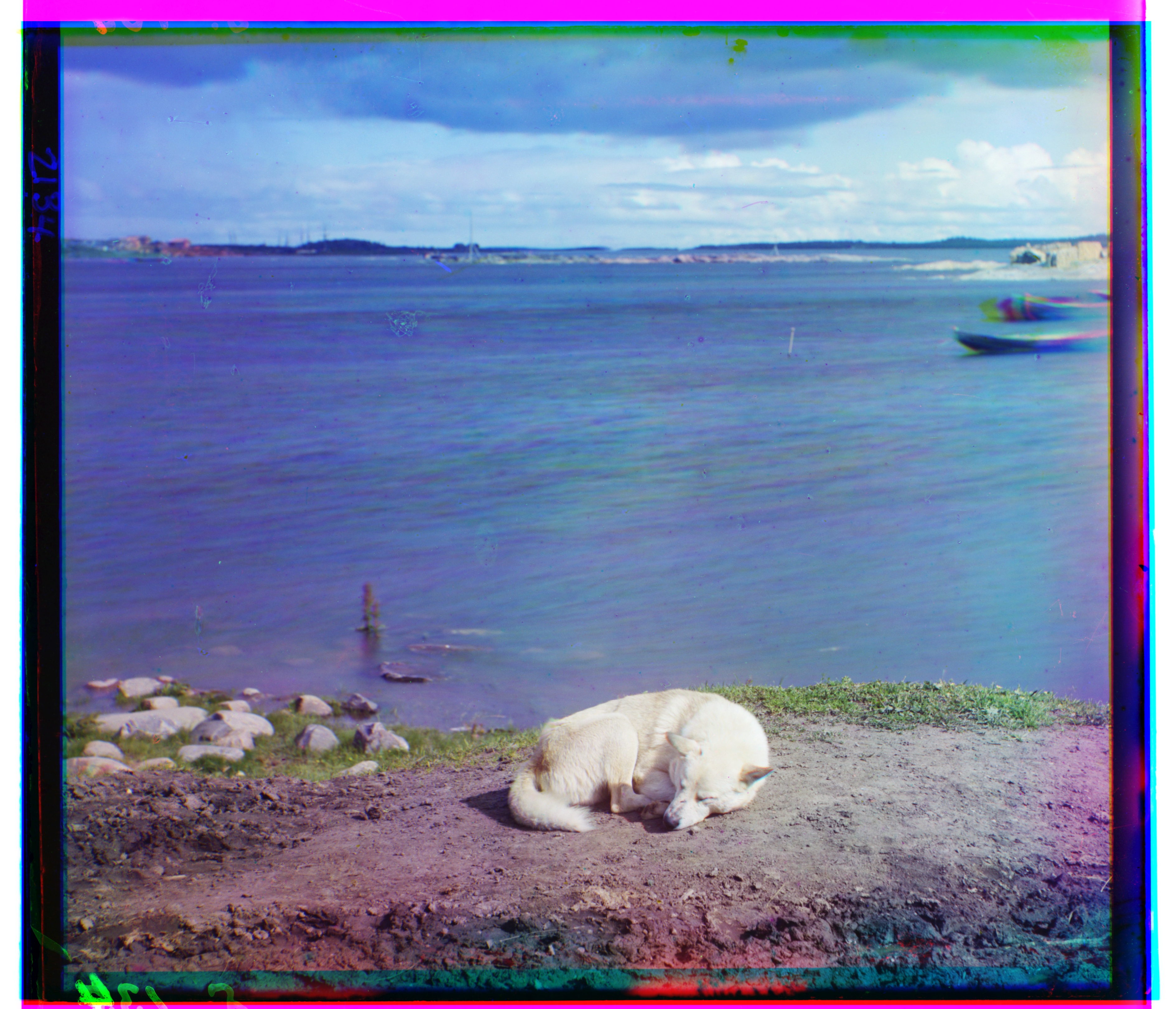
Blue shift: (2, -13)
Red shift: (-1, 68)
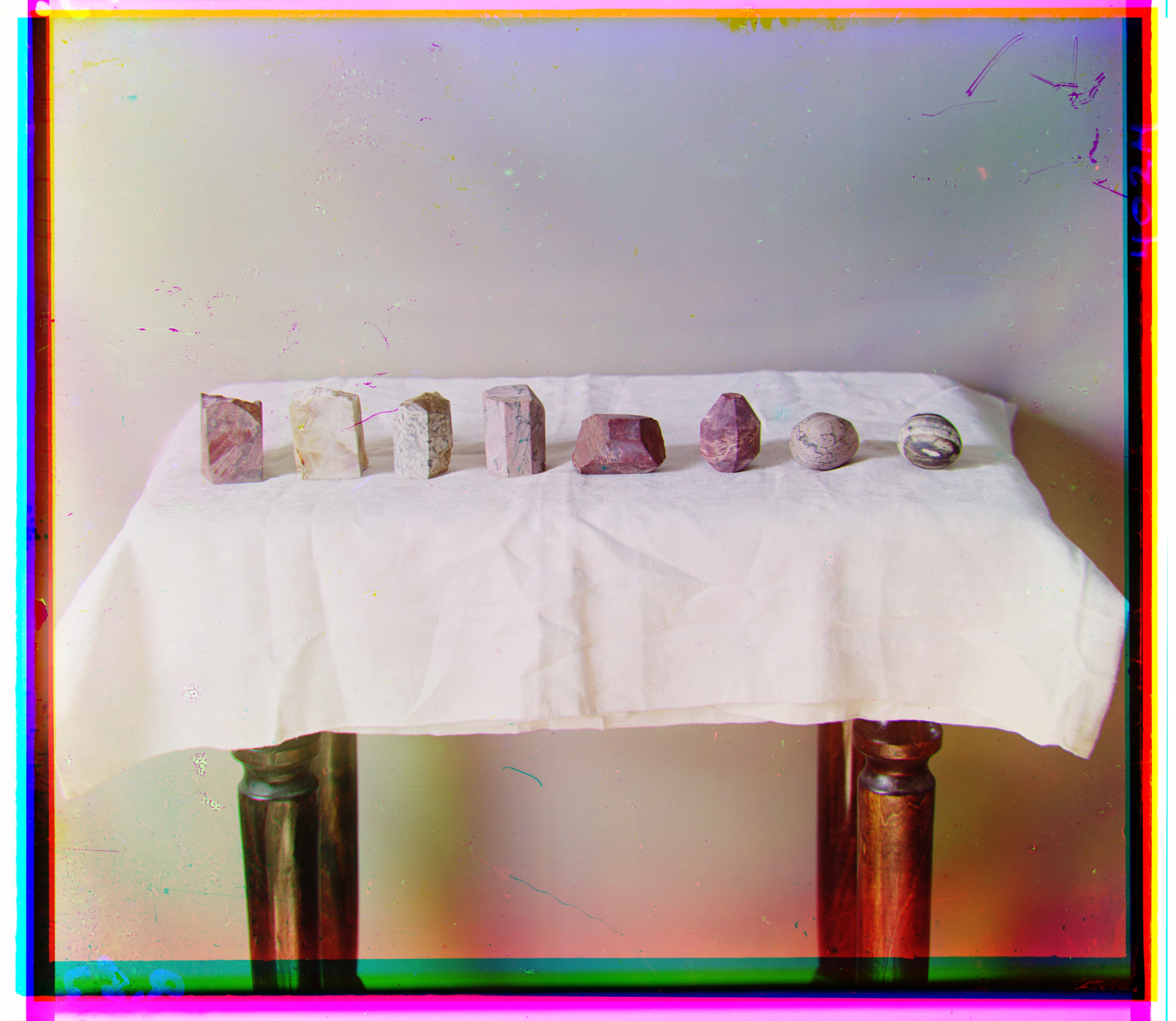
Blue shift: (19, -62)
Red shift: (-27, 56)
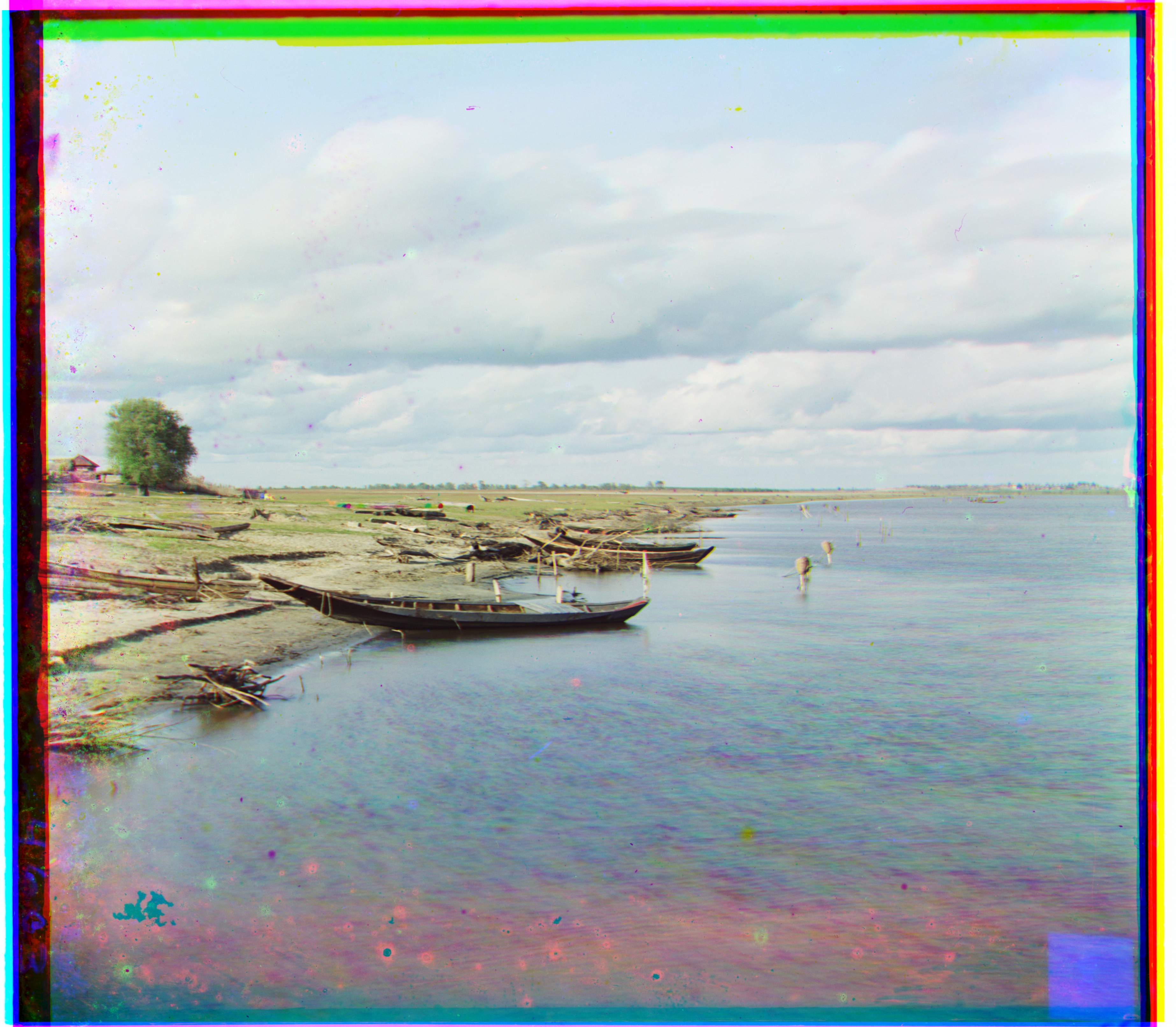
Blue shift: (30, -16)
Red shift: (-35, 32)